
Live collection
Press Start and the panel records every business that appears in the Bing results as you browse, pan and page. You stay in control of the map while the panel keeps up.
Browse Bing Maps the way you already do. The panel collects the businesses you see, scans their websites for contact details, and lets you save, organize and export — starting as a guest.
Chrome Web Store listing pending review — install link is published here the moment it is live.
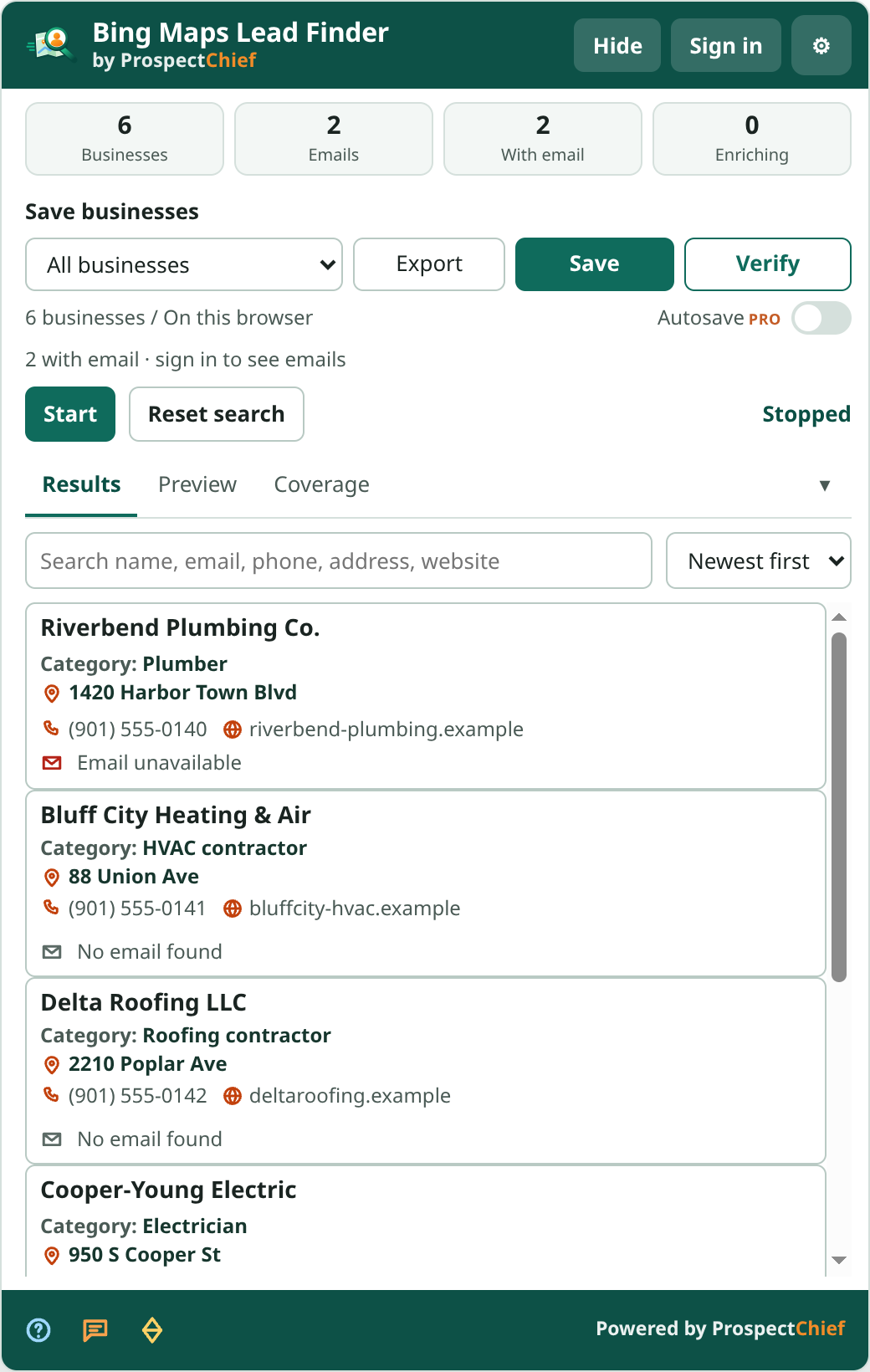
Press Start and the panel records every business that appears in the Bing results as you browse, pan and page. You stay in control of the map while the panel keeps up.
Each business website is checked for publicly available contact details. Every discovered email comes with the page it was found on, and the scan log shows each website's progress.
Everything saves to All businesses by default. Create projects when you want structure — 3 on Free, 100 on Pro. Autosave is a Pro convenience.
CSV and XLSX from the panel or the dashboard with the same columns as the Google edition.
Guest results stay on this browser until you choose to save them. Signing in keeps them.
Reset search clears the current search only and archives unsaved results locally. Saved data is never touched.
Included means every Bing listing provides it. When listed means Bing shows it only for some listings, so it is captured when present. Via website enrichment means ProspectChief finds it on the business website after collection.
| Information | Availability | Notes |
|---|---|---|
| Business name | Included | From the Bing listing |
| Bing listing URL, Bing listing ID | Included | Read from the listing so each business keeps a stable identity across sessions |
| Category | When listed | Bing’s primary category when the listing carries one |
| Address (street, city, region, postal code, country) | When listed | Captured as shown; split into parts when Bing provides them |
| Phone | When listed | Some listings omit a phone number |
| Website | When listed | The listing’s website link, when present |
| Rating, review count | When listed | Listings without reviews have none |
| Opening hours line | When listed | The hours text as Bing shows it, not a full weekly schedule |
| Latitude / longitude | When listed | From the listing when present |
| Photo / image URL | When listed | Listing image when present |
| Emails, phones, social profiles | Via website enrichment | Discovered on the business website after collection; available contact information varies by website |
Available information varies by business listing and website. ProspectChief collects publicly accessible business details and enriches contact information when available.
Bing and Google exports share one schema. Fields a platform does not publish — Google identifiers on a Bing row, for example — stay empty so your spreadsheets line up cleanly across editions.
Bing listings provide a Bing listing URL and Bing identifiers; Google listings provide a Google Maps URL, Place ID and CID. Columns that a source does not publish — plus code or Google identifiers, for example — stay empty so both exports share one schema. Claimed status follows the same rules on both platforms and reads Unknown until a confirmed platform signal is captured.
Compare with the Google edition — note the install method differs (Chrome Web Store vs manual ZIP).