
Install Bing Maps Lead Finder
Chrome Web Store listing pending review — install link is published here the moment it is live.
Step 1 — Install from the Chrome Web Store
Chrome Web Store listing pending. Chrome installs and updates the extension automatically.
Step 2 — Pin it
Open the puzzle-piece menu and pin ProspectChief so the icon stays visible.
Step 3 — First collection
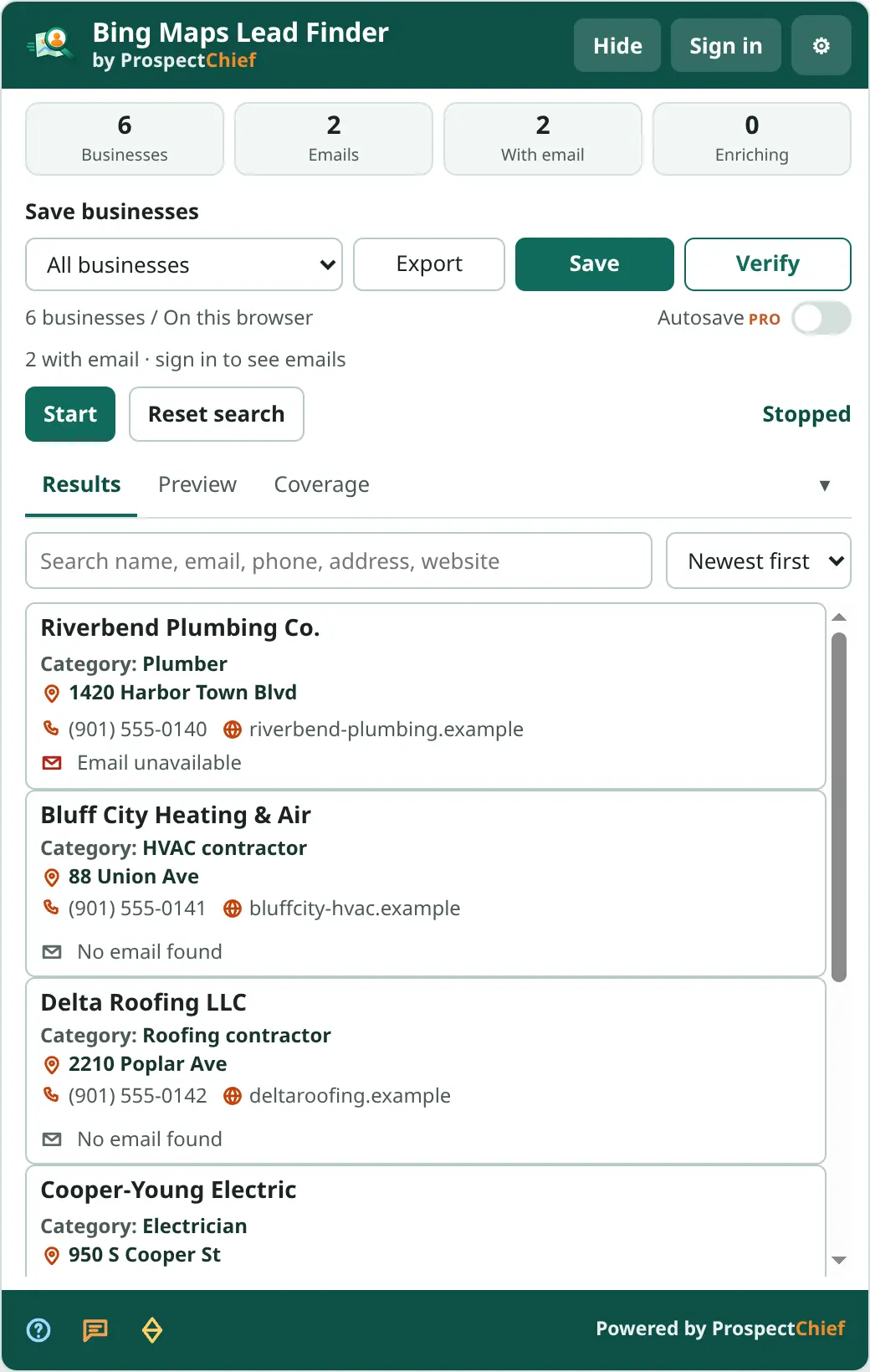
Open Bing Maps, search (“plumbers in Memphis”), and press Start. Browse the results; each business is recorded once. Press Save (sign in when asked) or Export.
Connecting your account
Click Sign in in the panel. A ProspectChief tab opens; after you sign in and confirm, the extension receives a one-time code and the panel shows your account. See Account and sync.