
Maps Lead Finder Pro
Google and Bing editions, one subscription.
per month
Billed yearly as · or month to month
Free plan includes lifetime email reveals per account.
See Maps plansDiscover local businesses with our Maps tools, find publicly available contact details, and organize your prospects in one workspace.

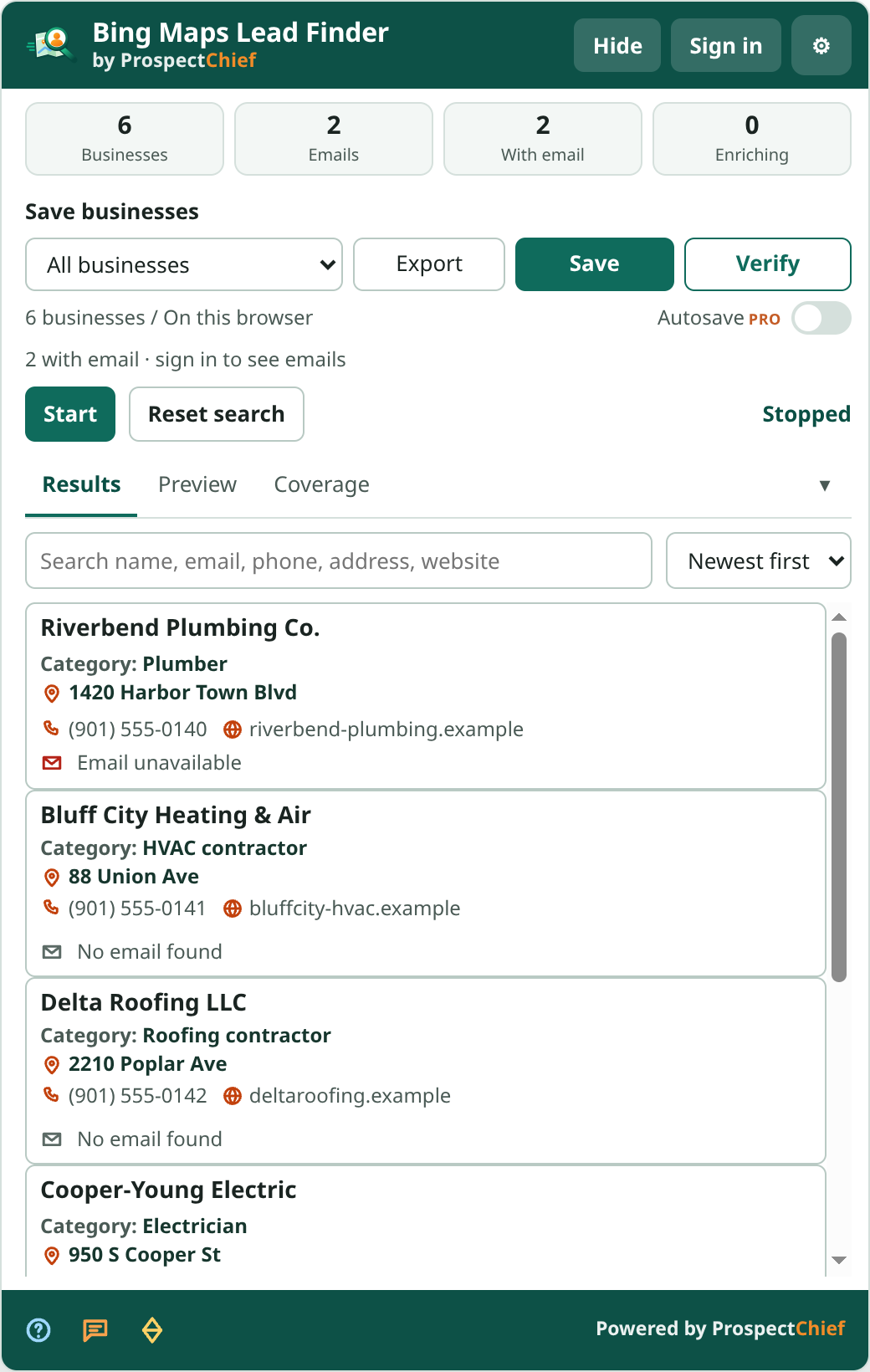
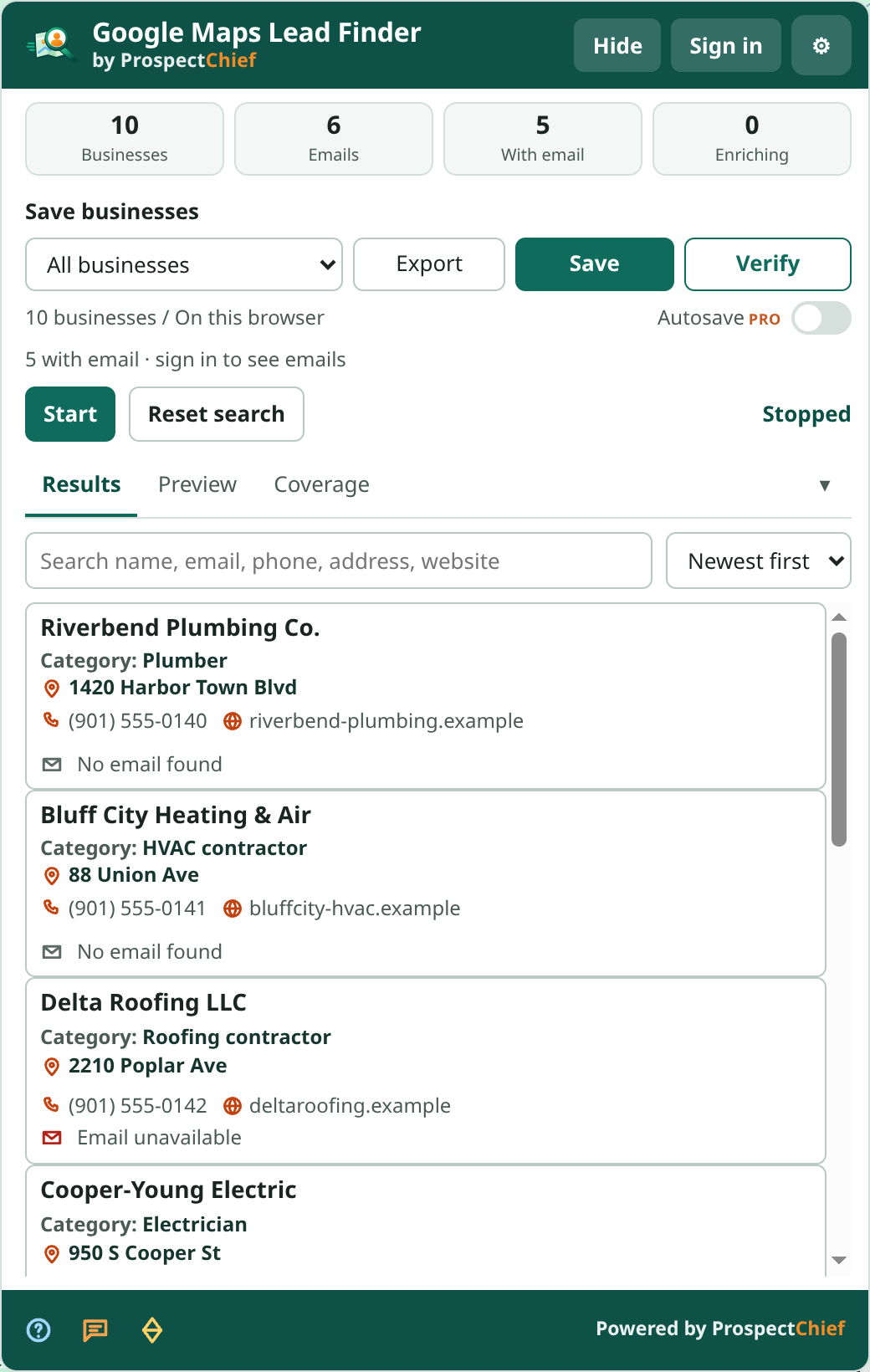
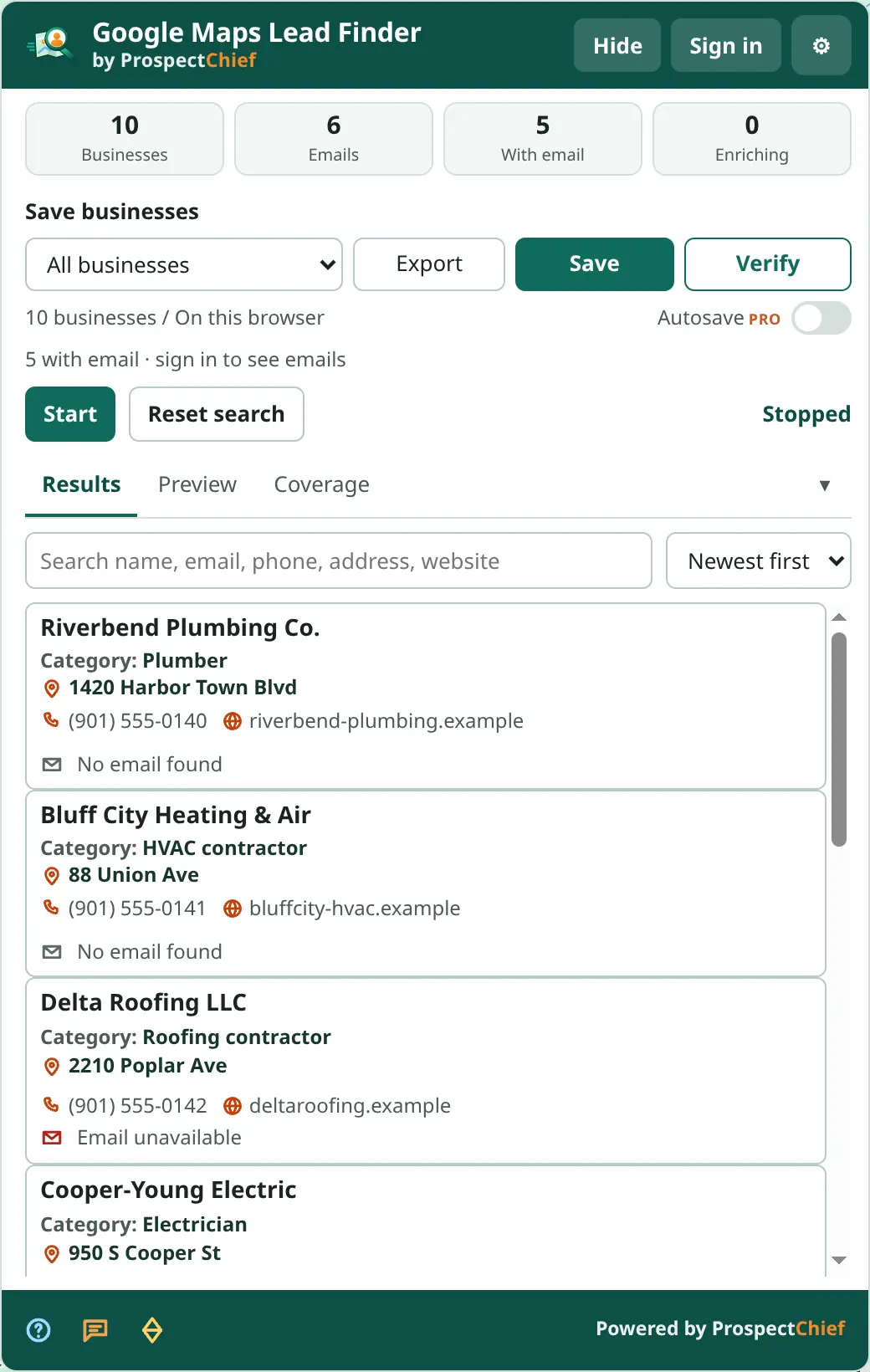
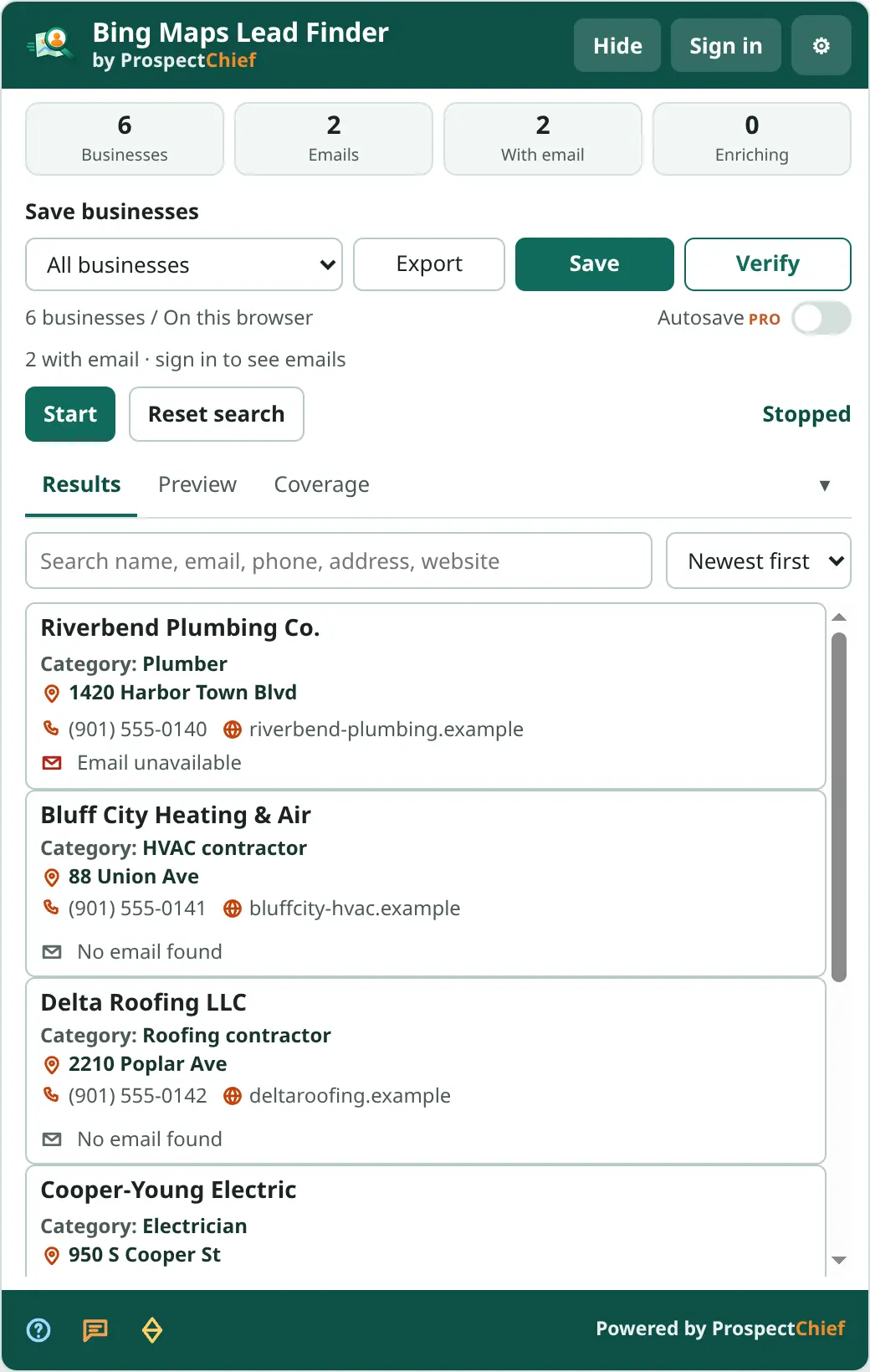
One workspace for leads from Bing Maps and Google Maps. Screenshots show example business data.
Google MapsBing MapsAny web pageYour dashboardCSV · XLSX
Pick the way in that fits your prospecting. Everything lands in the same dashboard, the same projects and the same exports.
Run a Google Maps or Bing Maps search and the panel captures the businesses you see — name, category, address, phone, website, rating — then discovers publicly available contact details on each business website.
Free Email Extractor pulls emails, phones and social profiles out of the page you are on, scans multiple pages, imports files, and saves contacts to the same dashboard as your Maps businesses.
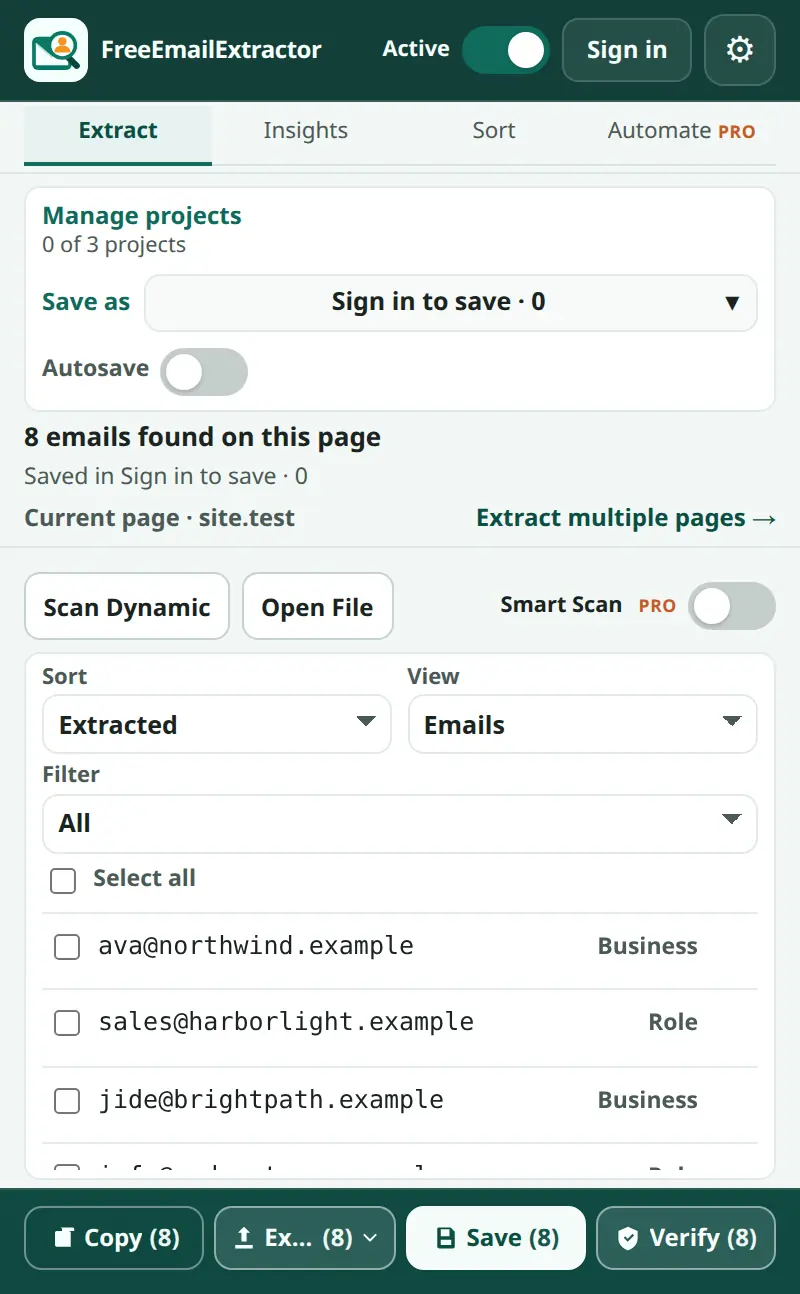
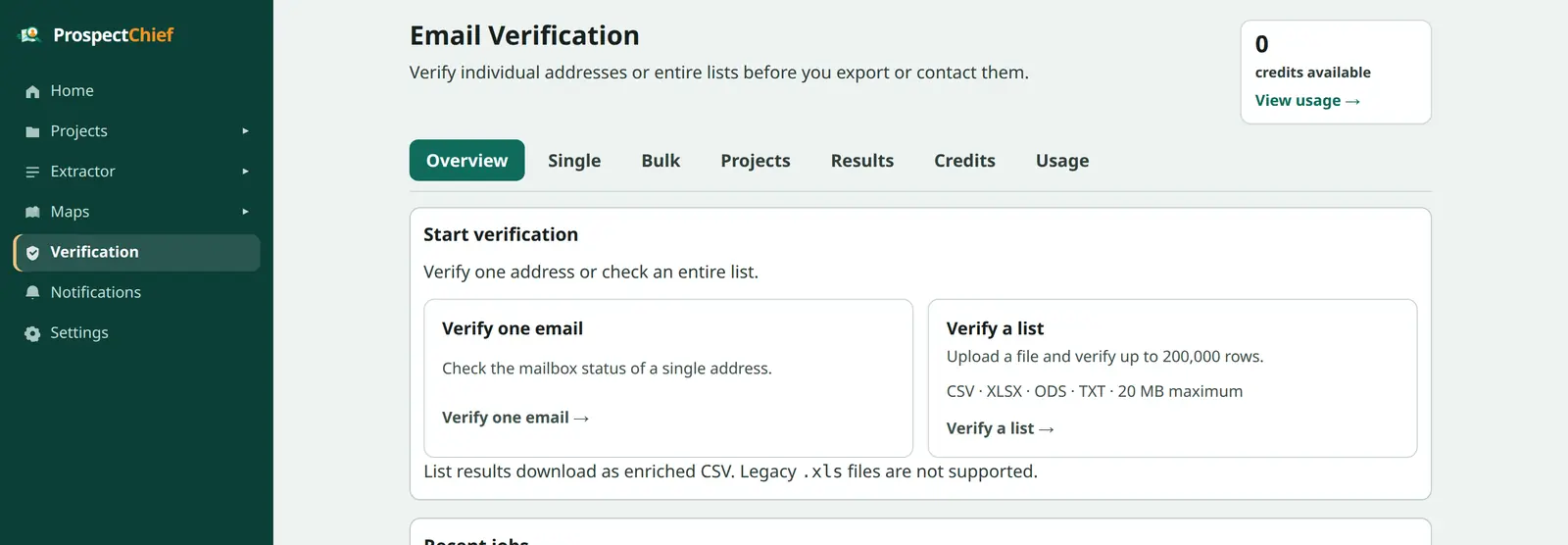
Discovery finds an address on a website. Verification confirms the mailbox accepts mail. They are separate steps, so you only pay for certainty when you need it.
Run a Google Maps or Bing Maps search and capture the businesses in the results.
Each business website is checked for contact pages, emails, phones and social profiles.
Everything lands in All businesses; sort into projects when you sign in.
Optionally confirm mailboxes with pay-as-you-go credits.
The same columns from every source, as CSV or XLSX.
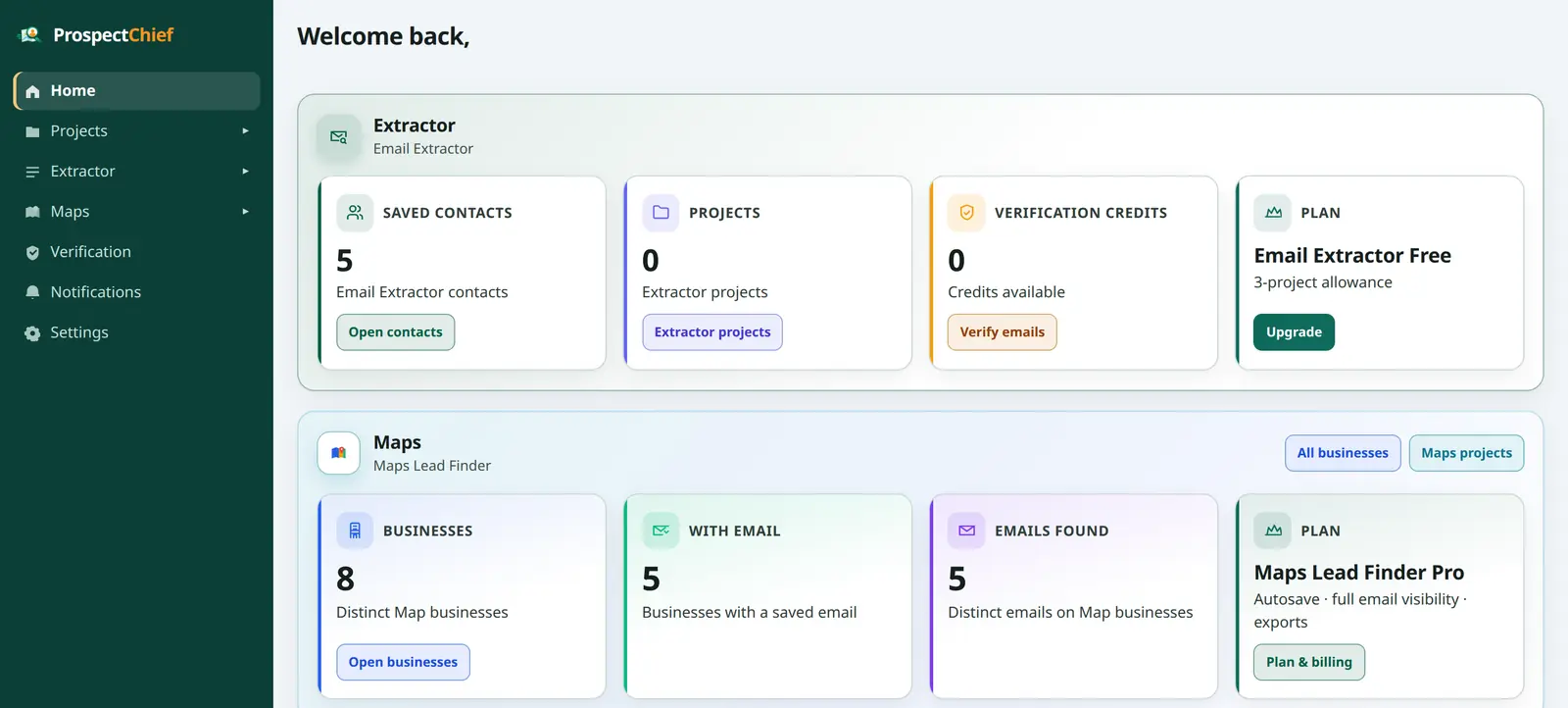
Every capture — Google, Bing or Email Extractor — lands in the same account. Filter by source, by claimed status, by project; export with the same columns; verify when you need certainty.
A preview of the All businesses table. Google and Bing rows sit side by side, each with its own identity, and Claimed is set from confirmed platform signals.
| Business | Source | Category | Location | Website | Phone | Claimed | Rating | Project | Added | |
|---|---|---|---|---|---|---|---|---|---|---|
| Riverbend Plumbing Co.1420 Harbor Town Blvd | Google Maps | Plumber | Memphis, TN | riverbend-plumbing.example | (901) 555-0140 | [email protected] | Unknown | 4.8 (120) | Memphis plumbers — Q4 | Today |
| Bluff City Heating & Air88 Union Ave | Bing Maps | HVAC contractor | Memphis, TN | bluffcity-hvac.example | (901) 555-0141 | [email protected] | Claimed | 4.5 (36) | Memphis plumbers — Q4 | Today |
| Delta Roofing LLC2210 Poplar Ave | Google Maps | Roofing contractor | Memphis, TN | deltaroofing.example | (901) 555-0142 | Locked on Free | Unknown | 5.0 (9) | — | Yesterday |
| Cooper-Young Electric950 S Cooper St | Bing Maps | Electrician | Memphis, TN | cyelectric.example | (901) 555-0143 | [email protected] | Unknown | 4.7 (58) | — | Yesterday |
| Midtown Drain Pros1 N Main St | Google Maps | Plumber | Memphis, TN | — | (901) 555-0144 | — | Unknown | 4.2 (14) | Memphis plumbers — Q4 | 2 days ago |
| Wolf River Landscaping7600 Wolf River Blvd | Bing Maps | Landscaper | Germantown, TN | wolfriverlandscape.example | (901) 555-0145 | [email protected] | Claimed | 4.9 (77) | — | 2 days ago |
Available contact information varies by business and website. View all supported fields and export rules
Choose the tools you need. Upgrade for more features, and add email verification credits whenever you need them.
Loading current prices…
Maps Lead Finder Pro
Google and Bing editions, one subscription.
per month
Billed yearly as · or month to month
Free plan includes lifetime email reveals per account.
See Maps plansEmail Extractor Pro
Separate plan for the Email Extractor product.
per month
Billed yearly as · or month to month
Free plan available in the extension.
See Extractor plansVerification credits
Pay as you go; one balance across products.
for credits
Packages up to credits
Buy credits with or without a Pro plan.
See credit packagesBing Maps Lead Finder and Email Extractor come from the Chrome Web Store. The Google Maps edition is a manually installed ZIP.
Installed and updated automatically by Chrome.
Distributed as a verified ZIP you load in Chrome's Developer mode. You update manual packages yourself — we show you how to do it safely without losing local data.
The Google Maps edition is distributed outside the Chrome Web Store as a versioned ZIP with a published SHA-256 checksum. You load it with Developer mode. The download opens once the platform-policy and security review is complete; the status is always shown on the download page.
No. Both Maps editions collect in guest mode and keep results on this browser. Signing in lets you save to your account, use projects, and see emails according to your plan.
Everything you save goes to All businesses. Projects are optional folders — 3 on the Free plan, 100 on Pro. If you have not created or selected a project, Save puts businesses in All businesses.
Maps Free includes a lifetime allowance of email reveals per account (shown on the pricing page). Locked emails are hidden everywhere: table, drawer, exports and API. Maps Pro removes the limit.
Yes. Google and Bing editions share one Maps Pro subscription, one set of projects, and one business table. There is no separate Google plan.
Download the new ZIP, verify the checksum, unzip over the previous folder and press Reload in chrome://extensions. Your local data is kept. See Google Maps updates.
Claimed status is recorded only when the listing shows definite evidence. Ambiguous cues — such as an “Own this business?” link — never mark a listing Unclaimed; the status stays Unknown with the evidence attached.
No. Discovery finds addresses on a business website; available contact information varies by business and website. Verification is a separate, credit-based mailbox check with valid / invalid / catch-all / unknown results.
Cancel any time from Settings → Plan & billing; access continues to the end of the paid period. See the refund policy.
Guest collection works without signing up. Create an account when you want to save, organize and reveal emails.